Managing Your Rentals From Your Phone: What Actually Works Well on Mobile
What landlords can realistically handle from a phone day to day, and where a dedicated mobile app actually earns its keep.
Most landlords don't run their rentals from a desk. Rent gets recorded between errands, a tenant's maintenance text gets read at a stoplight, and a lease renewal date gets remembered at 9pm on a Tuesday because it happened to cross your mind. If the tools you use to manage your properties only really work well on a laptop, that mismatch shows up constantly — not as one big problem, but as a steady trickle of small ones: a payment you meant to log and forgot, a maintenance follow-up that slipped because you were away from your computer when it came in.
"Managing from your phone" sounds like a convenience feature, but for a lot of landlords it's closer to how the job actually happens. The question worth asking isn't whether you can technically pull up a spreadsheet on your phone — you can, uncomfortably — but whether the tools you use are actually built to be used that way.
What Mobile Management Really Looks Like Day to Day
In practice, mobile property management isn't about doing everything from a phone. It's about handling the small, frequent, time-sensitive things without needing to sit down at a computer first. That usually breaks down into a few categories: checking whether rent came in, glancing at which units are vacant or coming up for renewal, jotting a note after a call with a tenant, and reacting quickly when a notification comes in about something overdue or something that needs follow-up.
These are exactly the tasks that pile up when they're delayed. A missed rent payment is easier to address the same day than three weeks later. A maintenance request is easier to triage the moment it comes in, while the details are fresh, than after it's been sitting in an inbox. Mobile access matters most for this category of task — not because the phone screen is a great place to do deep financial analysis, but because it's the device that's actually in your pocket when these moments happen.
What Still Works Better on a Bigger Screen
It's worth being honest that not everything belongs on a phone. Setting up a new property for the first time, reviewing a full year of income and expenses before tax season, or reading through a lease document line by line are all things most people still prefer to do on a laptop or desktop, simply because there's more room to see the whole picture at once.
The goal isn't to force every task onto a small screen. It's to make sure the things that genuinely need to happen in the moment — recording a payment, checking a vacancy, responding to a notification — aren't stuck waiting for you to get back to a computer. A good mobile setup complements the desktop view rather than trying to replace it entirely.
Notifications Are Where Mobile Actually Pays Off
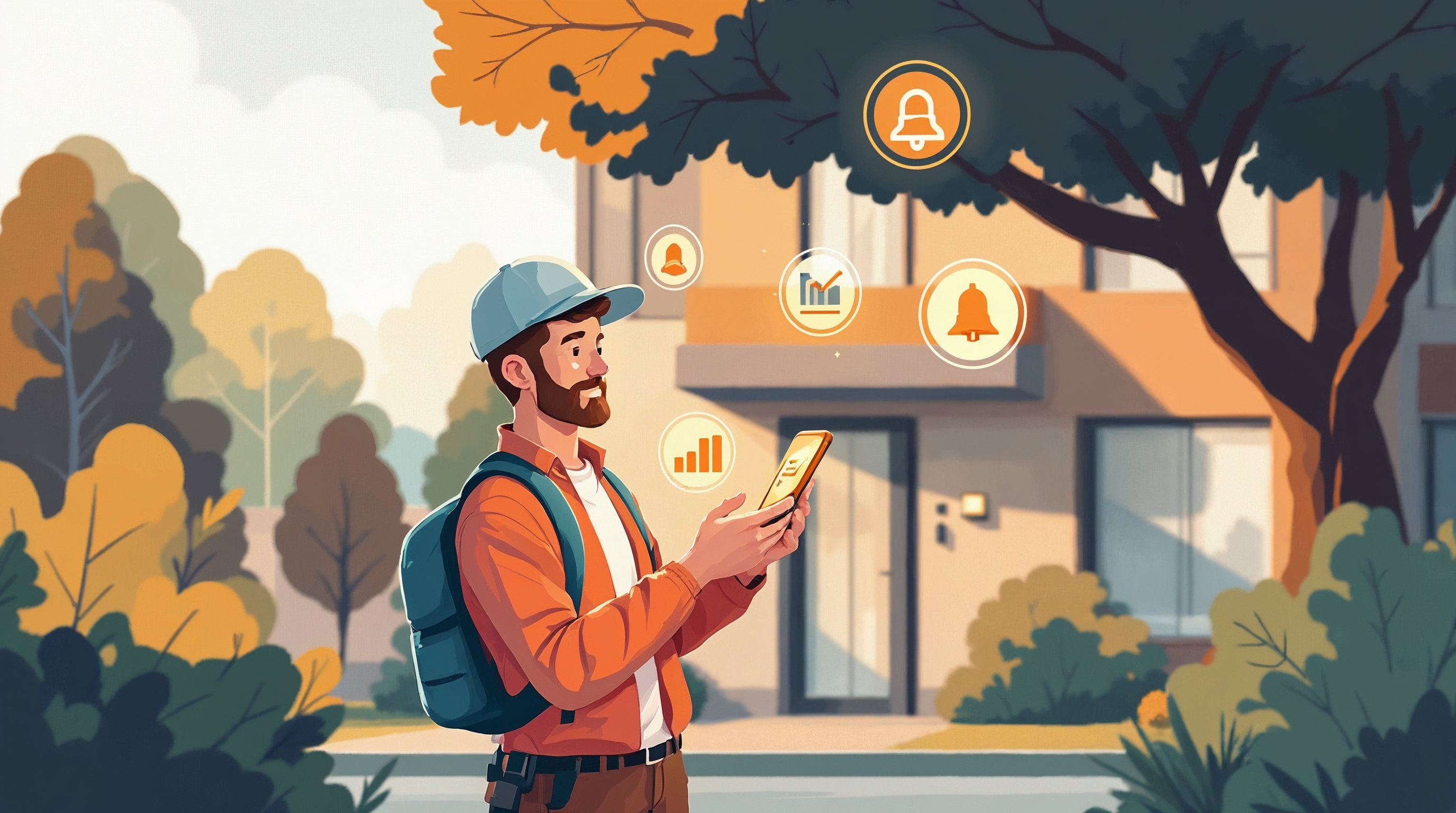
The biggest practical benefit of managing rentals from a phone usually isn't any single screen — it's notifications. An alert about overdue rent, a reminder that a lease is coming up for renewal, or a nudge that a maintenance issue needs a follow-up is far more useful the moment it happens than it is sitting unread in an email you'll get to eventually.
This is also where a lot of landlords quietly fall behind without realizing it. It's not that they're ignoring their properties — it's that the information reaches them too late to act on easily. By the time a spreadsheet gets opened and cross-referenced against a calendar, days have often passed. A phone that surfaces the right alert at the right time closes that gap without requiring you to remember to go looking for the problem yourself.
Where Easy Rent Tracker Fits In
This is a big part of why Easy Rent Tracker is built with iOS and Android apps rather than treating mobile as an afterthought. The idea is that the things you'd want to handle in the moment — recording a rent payment, checking your portfolio dashboard for vacancies and upcoming lease expirations, or glancing at a tenant's contact info and notes before returning a call — are available from your phone, not just from a browser tab you have to remember to open later.
The notification side matters just as much. Easy Rent Tracker sends alerts for things like overdue rent, upcoming lease renewals, and maintenance follow-ups, so those moments reach you directly instead of depending on you happening to check at the right time. And because everything you log — a payment, a note, an expense — feeds the same dashboard your desktop view uses, there's no separate mobile version of your records to keep in sync. It's simply the same information, available wherever you happen to be when you need it.
None of this replaces sitting down periodically to review the fuller picture of how your properties are performing. But it does mean the day-to-day parts of the job — the parts that actually happen between other things — don't have to wait for you to get back to a desk.
Getting Started
If your current setup only really works from a computer, it's worth asking how much of your week is spent trying to fit rental management into moments when you're actually away from one. If that sounds familiar, take a look at Easy Rent Tracker's plans and pricing to see which one fits the size of your portfolio.
Frequently asked questions
Can I really manage a rental property entirely from my phone?
You can handle most of the day-to-day tasks — recording payments, checking vacancies and lease dates, responding to notifications, and reviewing tenant notes — from a phone. Bigger tasks like setting up a new property in detail or reviewing a full year of finances are usually still easier on a larger screen, but they don't need to happen often.
What kinds of notifications are actually useful for landlords?
The most valuable ones tend to be time-sensitive: alerts for overdue rent, reminders that a lease is coming up for renewal, and follow-up nudges on open maintenance requests. These are the situations where acting quickly matters, and where checking a phone beats waiting to open a laptop.
Does a mobile app replace the need to review my properties on a computer?
Not entirely. A mobile app is best for quick, in-the-moment actions and staying on top of alerts. Periodic deeper reviews — like looking at income and expenses across a whole year — are usually still easier with the extra screen space a computer provides.
How does Easy Rent Tracker handle mobile access?
Easy Rent Tracker offers iOS and Android apps that connect to the same portfolio dashboard, tenant records, and payment history as the desktop version, along with notifications for overdue rent, lease renewals, and maintenance follow-ups, so nothing requires a separate mobile-only workflow.